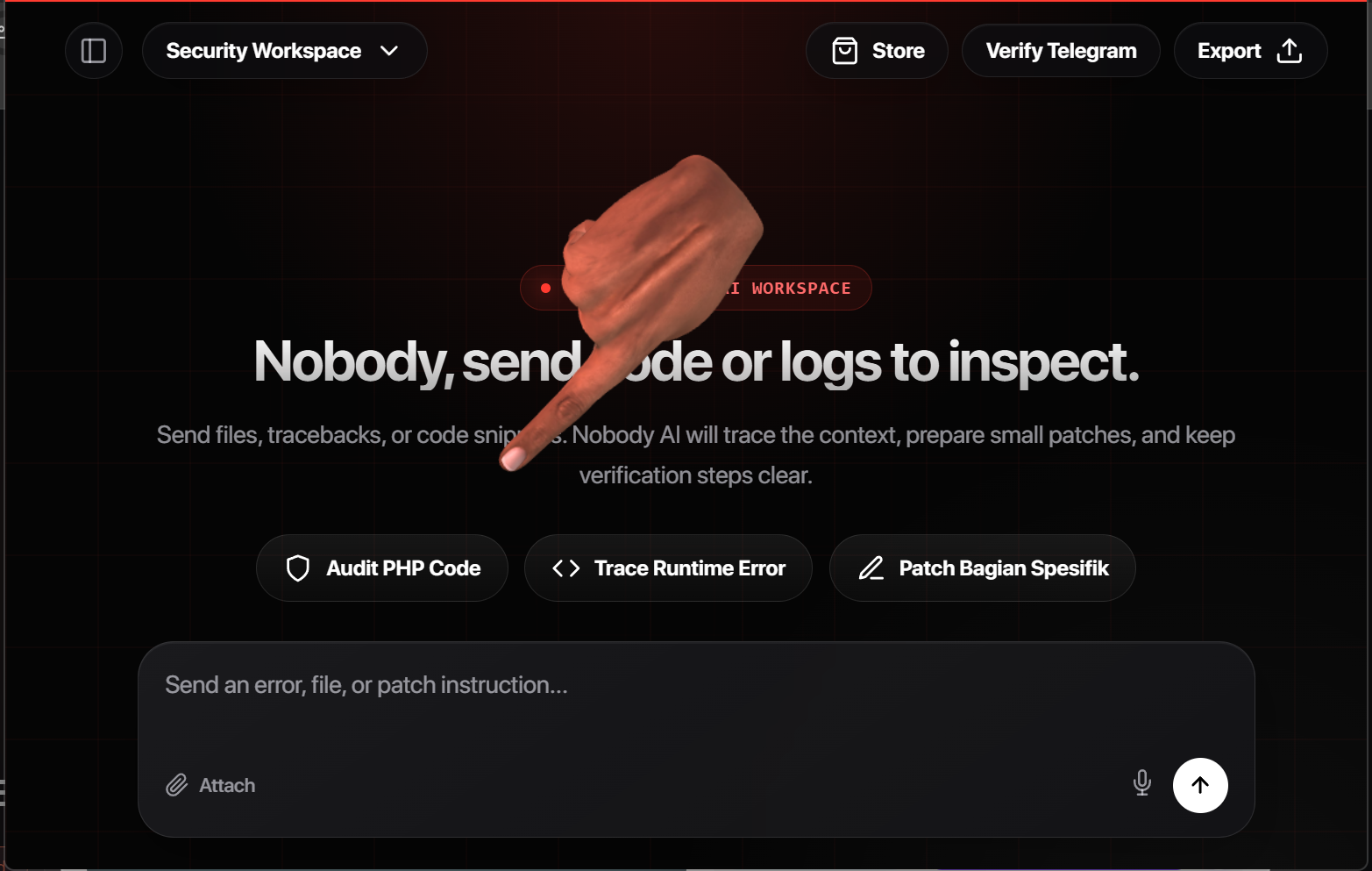
Nobody AI is a workspace for building ideas that normal assistants keep softening: code, agents, security workflows, tools, experiments, and systems that need direct answers with real context.
Use Nobody AI to turn rough ideas into working artifacts: app flows, code patches, automation logic, security tooling, billing systems, and experiments that need direct technical execution.
Bring an unfinished concept, error, workflow, exploit lab, parser, bot, or product sketch. Nobody AI turns it into concrete steps and usable code.
The workspace reads the real files, routes, logs, and state around the task so the answer is tied to what you are actually building.
Edits stay visible, token usage is gated, and risky flows like auth and payment are checked with real verification steps.
Nobody AI is strongest when the idea is half-formed but technical: a dashboard, an automation, a security helper, a payment flow, or a local agent that needs architecture and code.
Less filtered does not mean loose infrastructure. The app still protects usage with Telegram verification, token batches, and payment reconciliation.
Use Pro or topup credits when you need longer build sessions. Pakasir and crypto are selectable at checkout, while Telegram verification keeps the system usable for real users.
For users who want longer sessions generating code, tools, agents, product flows, and security workflows without constantly restarting context.
For short bursts: one prototype, one parser, one bot, one callback, or one focused build where a full subscription is unnecessary.
The product is positioned around direct technical generation: fewer soft refusals, more usable structure, code, and implementation detail.
It keeps throwaway accounts from draining free credits while letting verified users generate more freely.
No. Topup credits can be purchased without Pro and still use the same verification and spending rules.
Pakasir follows the local token package. Crypto follows the provider minimum, currently USD 8.33.
Tokens are consumed by generation requests: chat, streaming answers, code/context work, and IDE-side calls.
The request is blocked before model execution. You can top up or start Pro, then continue from the same workspace.